Cable Internet uses multiple bonded DOCSIS 3.x channels to reach gigabit, which spreads the load across many parallel TCP connections almost by accident. Fibre tends to use fewer bonded channels, and a single TCP stream from a single test client often can’t saturate any of them on its own.
For an apples-to-apples speed test on a fibre link, increase the number of parallel streams. Most public speed-test tools let you configure this — for example, fast.com’s advanced settings include Parallel connections, which can be raised well above the default.
Example
A single-stream fast.com test reports a fraction of the link’s real capacity because the test never opens enough connections to exercise all of the bonded channels at once.
Re-running the same test with 30 parallel connections (set Parallel Connections to Min 30 and Max 30) typically gives a much closer-to-truth number:
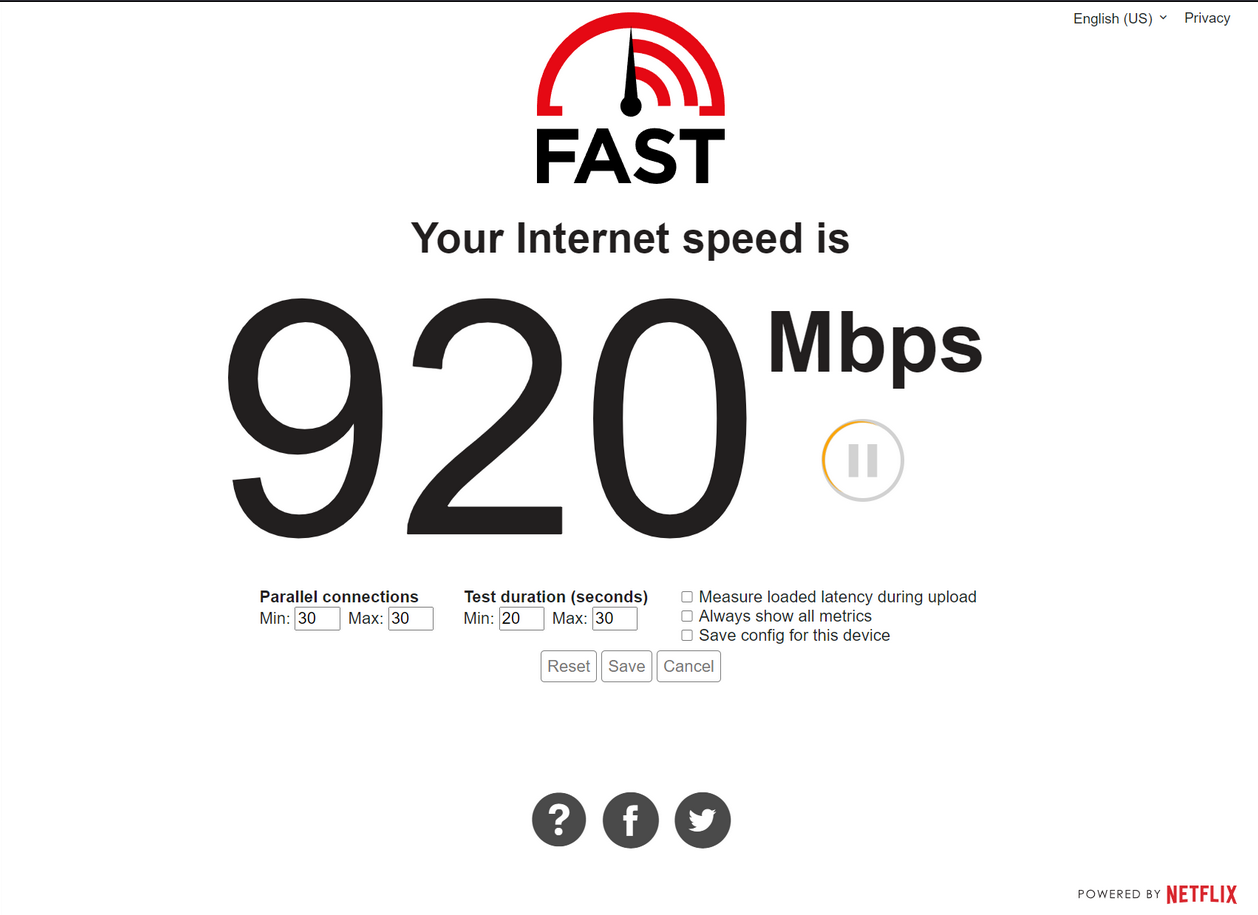
If the multi-stream result still falls short of what the ISP sold, look at the other usual suspects: link negotiation speed (see Port Color Legend), IPS overhead (see Slow Internet — Speed Capped at 150 Mbps with IPS/IDS), or upstream congestion on the ISP side.