Accessing the Portal
The Uplevel Portal is reachable from the Login link in the top-right of www.uplevelsystems.com, or directly at portal.uplevelsystems.com.

Changing your password
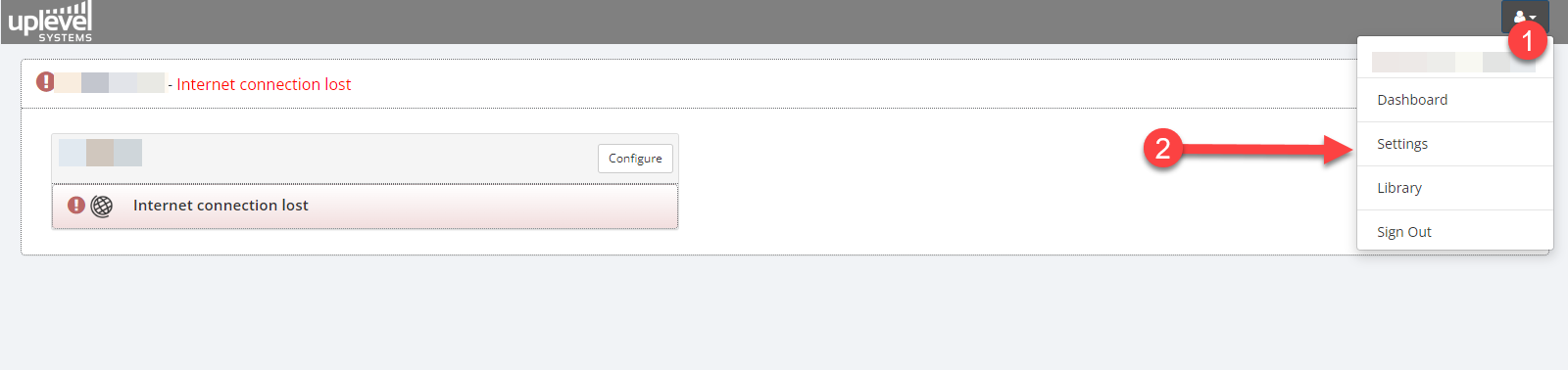
- Click the Profile icon in the top-right of the Portal.
- Choose Settings.
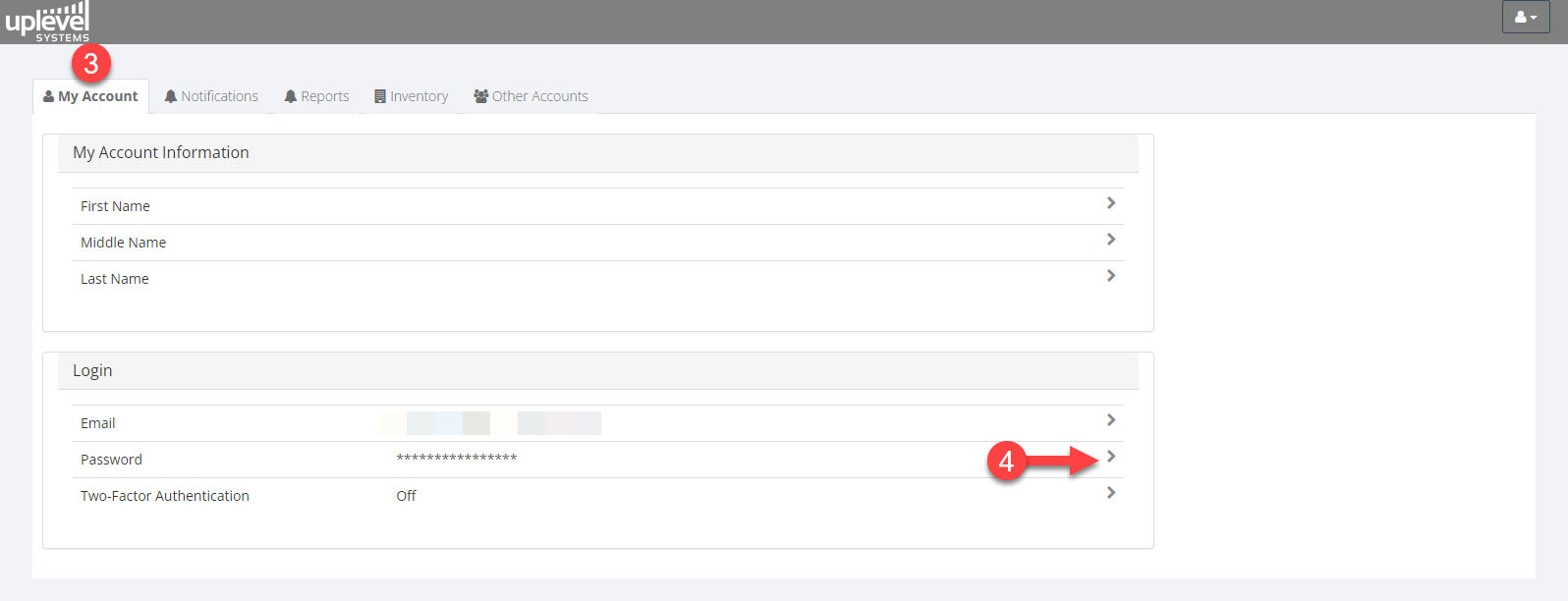
- Open the My Account tab.
- Click the Password row.
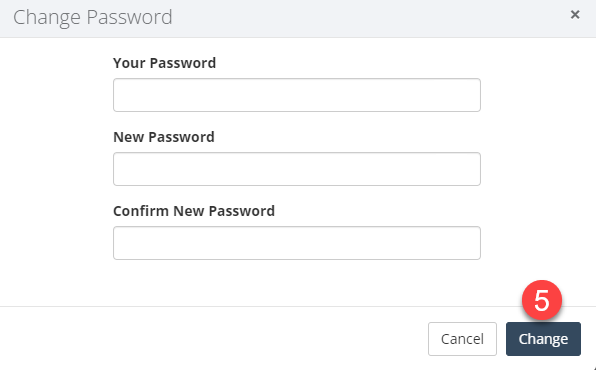
- Enter the new password and choose Change.